A custom domain for your partner portal: why and how
A branded affiliate portal domain, like partners.yourdomain.com, builds trust the moment a partner clicks their tracking link. Here's the why, the CNAME and SSL setup, and what founders get wrong.
By The RewardSpring Team · July 22, 2026 · 5 min read
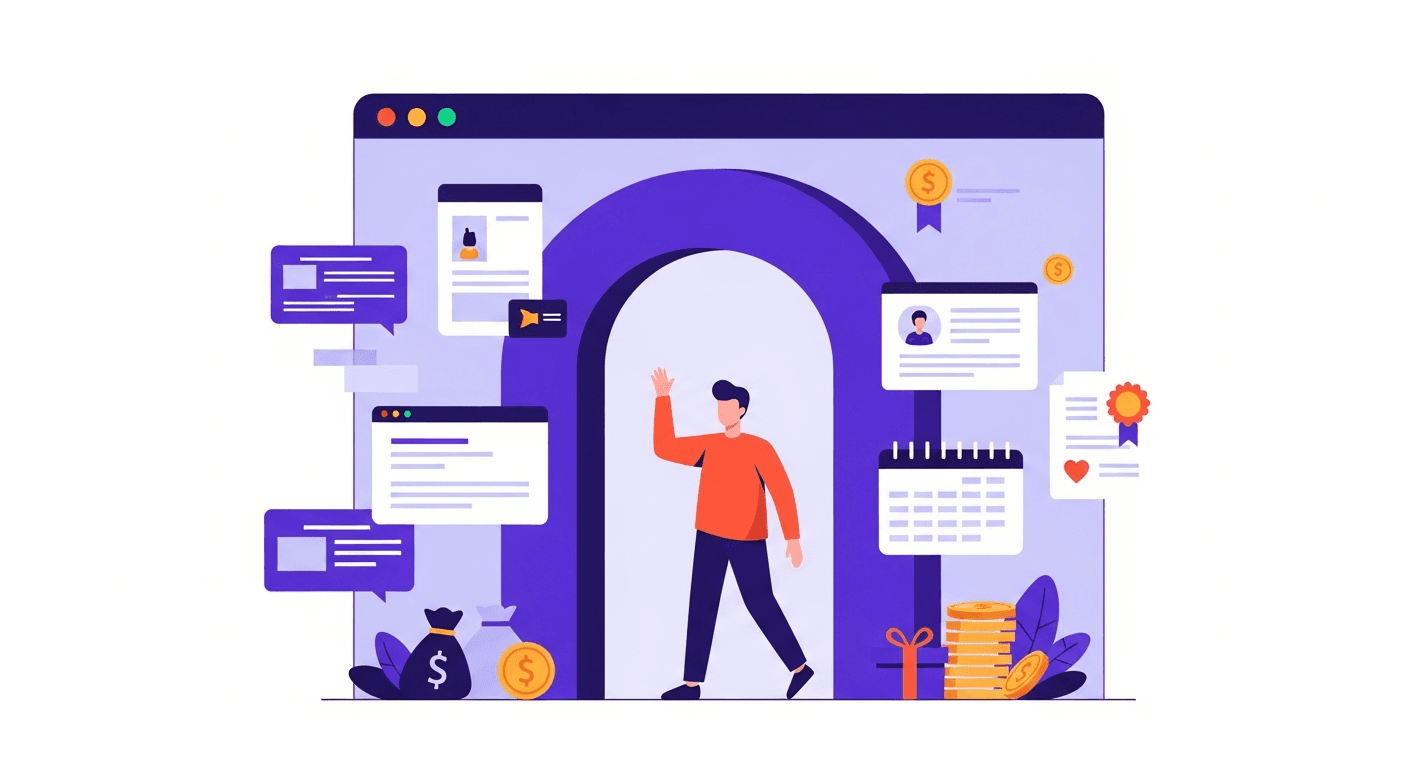
A custom domain for your partner portal means partners log in, click their tracking link, and check payouts at a URL like partners.yourdomain.com, instead of a generic vendor subdomain such as partners.sometool.com. The setup is small: one CNAME record with your DNS provider. Most platforms, RewardSpring included, issue an SSL certificate automatically once that record resolves, so the whole change takes a few minutes of DNS work and no code. The real question isn't how hard this is — it's why so many founders wait months to do it.
Here's the fast version: add the custom domain in your portal settings, get the target hostname, create a CNAME record at your DNS provider pointing your subdomain at it, wait for it to propagate, and confirm the automatic SSL certificate is active. Below is the full how, plus what founders get wrong the first time.
Why a branded domain matters more than it looks
Partners share their referral link everywhere — a newsletter mention, a resource page, a pinned post. Every click on that link sends someone to your portal's domain before they see anything else you've built. If that domain reads as a third-party affiliate tool, you've spent the first impression on somebody else's brand instead of yours.
It also matters for the partner, not just the person they referred. A partner promoting your product is putting their own reputation behind it. Sending them to log in at a portal on a stranger's domain, one they didn't choose and can't verify, makes the whole relationship feel less official, even when the tracking and payouts underneath are identical.
There's a quieter cost too: consistency in your funnel. A visitor clicks a partner's link, lands on your marketing site, signs up, and months later logs back in to check a reward. If that login lives on a domain that has nothing to do with yours, it reads like they've left your product rather than returned to it. A branded portal domain keeps the whole journey, from landing page to signup to payout, under one roof.
What founders get wrong
Most mistakes here are about sequencing and defaults, not technical difficulty.
- Waiting too long. Founders treat a custom domain as a "someday, once we're bigger" polish item, but it costs nothing to set up in week one and it's awkward to announce to existing partners later.
- Picking a confusing subdomain. partners.yourdomain.com or affiliates.yourdomain.com both work; a cryptic pick like aff2.yourdomain.com just means telling partners twice.
- Forgetting SSL is a separate step. A portal without a valid certificate throws a browser warning on the first visit — the wrong first impression for a page built to earn trust.
- Skipping the test login. DNS can propagate correctly while the certificate still takes a few minutes to issue; sending invites before you've logged in yourself is how broken links get noticed by the person you least want noticing them.
- Forgetting where the old link is written down. Onboarding emails and asset packs that reference the portal URL need the update too, not just the DNS record.
If your onboarding assets already link out to payout details, make sure that reference survives the move as well — how to pay affiliates covers how most founders structure that page and its own URL.
CNAME setup, step by step
The mechanics are the same regardless of platform:
- Pick your subdomain. partners.yourdomain.com is the clearest choice — it says exactly what the page is for.
- Add the custom domain in your portal's settings and copy the target hostname it gives you.
- Log in to your DNS provider and create a CNAME record: name it partners (or whichever subdomain you chose), and point the value at the target hostname from step 2.
- Save the record and wait for propagation. It's often live in minutes; on an older setup with a long TTL, give it up to 24 to 48 hours before assuming something's wrong.
- Confirm the automatic SSL certificate. Once the CNAME resolves, the platform should detect it and issue a certificate — no manual purchase or renewal required.
- Test the whole path yourself: load the portal, log in, click a tracking link, and check that a payout page renders.
- Update every place the old portal URL is written down — onboarding emails, your terms page, and any asset pack you send new partners.
This is one of the reasons RewardSpring builds branded portals with guided DNS instructions and automatic SSL into setup, instead of leaving founders to hand-roll certificates. If you're still deciding whether to launch a partner program at all, how to start an affiliate program for your SaaS covers the sequence — a custom domain is a polish step you add once partners are live, not a blocker to launching.
A short checklist before you invite partners
- Subdomain chosen and CNAME record created.
- SSL certificate showing as active, not pending.
- Portal loads over https with no browser warning.
- Test login works end to end, including a tracking link.
- Payout and terms pages render correctly on the new domain.
- Onboarding emails and assets point to the new URL, not the old one.
A custom domain for your partner portal is a small DNS change with an outsized effect on how official your program feels, to partners and to the customers they refer. Point a CNAME record at your provider's target hostname, let the automatic SSL certificate issue, test it before you invite anyone, and update the links you've already sent. It's a launch-week task, not a someday one.
Ready to give your partners a portal that looks like part of your product? Launch your first program in under 10 minutes with RewardSpring — start free, 14 days, no card, with a branded domain and automatic SSL included. See what's included on the features page or read the setup docs.
Run this on your own SaaS
Connect Stripe and launch partner and customer referral programs in minutes.
Start your free trial